Shopping list
Always forget the one thing you went for?
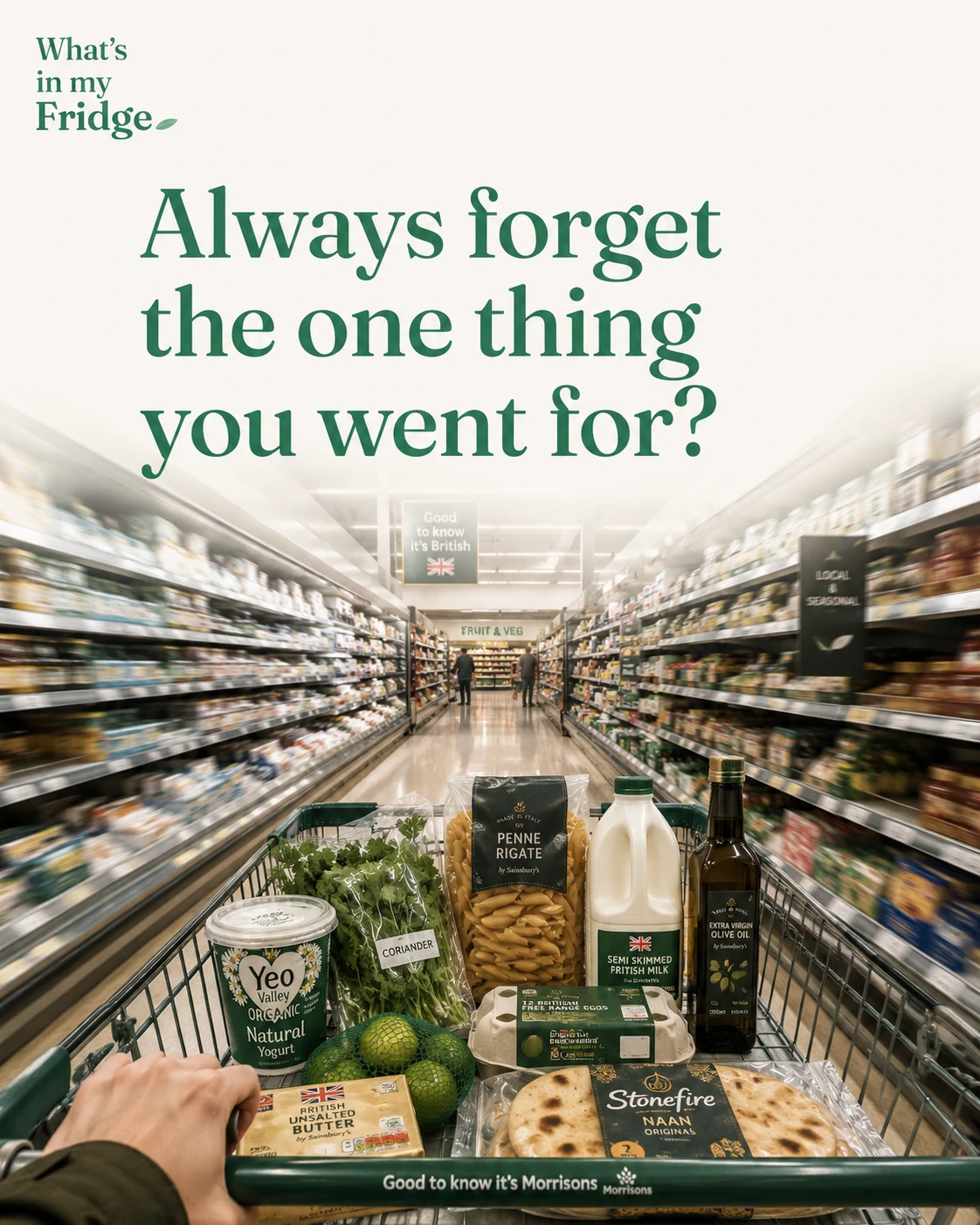
You went for milk. You came back with everything but milk. A list helps — but only if it builds itself and is sorted the way you actually shop.
It builds itself
Every dinner idea you pick quietly adds its missing bits to your list. Run low on a staple and it’s flagged. So the list fills itself from what you’re actually cooking and running out of — you’re not starting from a blank page.
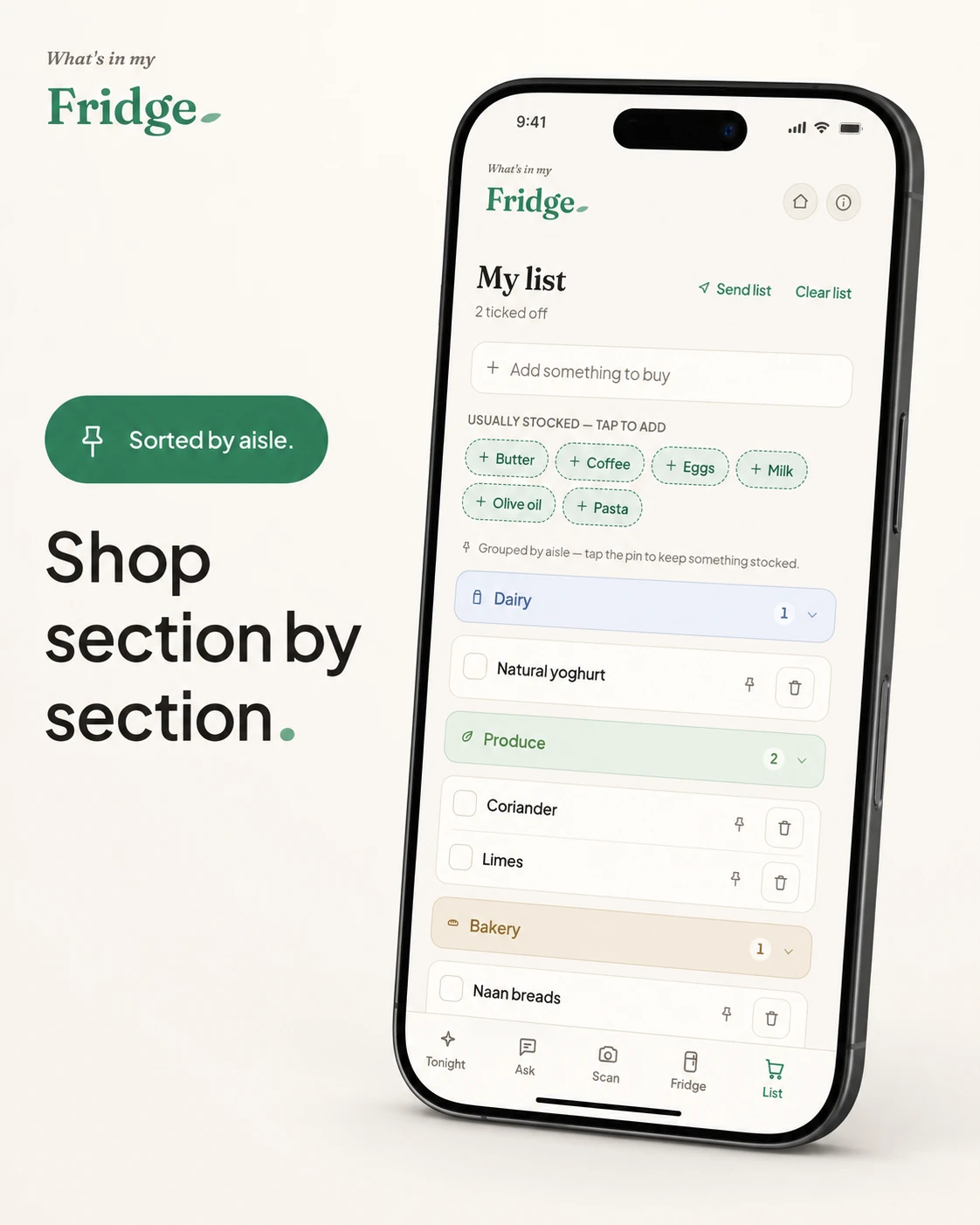
Shop section by section
The list is grouped by aisle — produce, dairy, bakery — so you sweep through the shop in order instead of doubling back. Tick things off as you go.
Tick off, then file it away
Ticked-off items file straight back into your fridge, so there’s no separate “put the shopping away” step in the app. Shop once, and everything’s where it should be.
Smart shopping lists: frequently asked questions
What is a smart shopping list?
A list that fills itself from what you are actually cooking and running out of, rather than one you write from scratch. Pick a dinner idea and its missing bits are added automatically; run low on a staple and it is flagged.
How do I make a shopping list that sorts by aisle?
Group items by section (produce, dairy, bakery) so you sweep through the shop in order instead of doubling back. A smart list does the grouping for you as items are added.
Can a shopping list update itself?
Yes. As you plan meals and use up staples, the list keeps itself current. Tick items off at the shop and they can file straight back into your fridge, so there is no separate put-away step.
Try it free
Snap your fridge and get tonight’s dinner in seconds. Free to start — no card needed.
Open the appRelated: Never run out of essentials and Have vs need for any dish.
← Back to the blog