Snap & track
What if your fridge tracked itself?
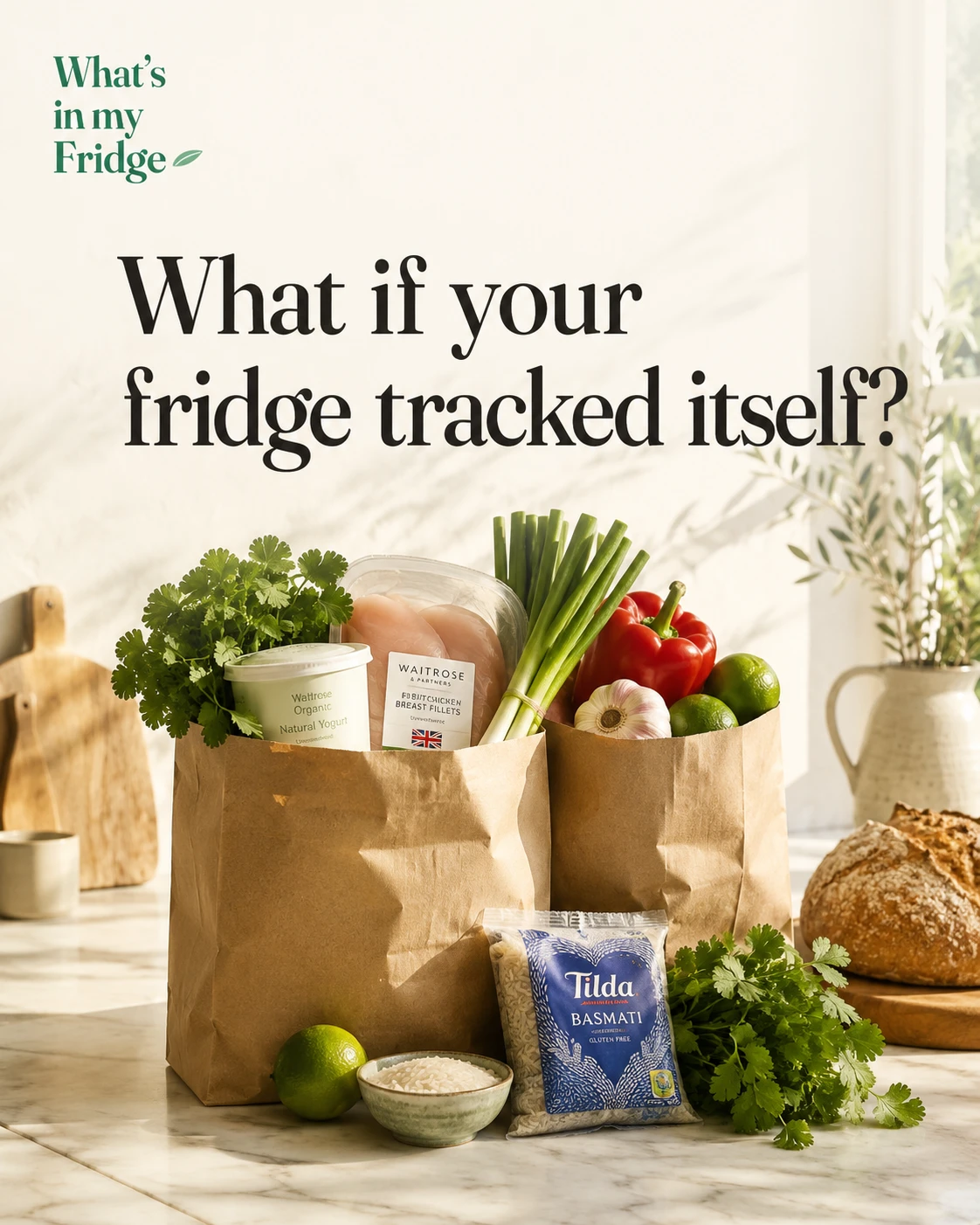
You unpack the shopping, mean to write it down… and never do. A week later you’re buying coriander you already have. Here’s the fix: let one photo do the logging.
The problem isn’t laziness — it’s friction
Nobody types every item into an app. It’s tedious, so the fridge “inventory” never gets kept, and you’re back to opening the door and hoping. The trick is to remove the typing entirely.
One photo, everything logged
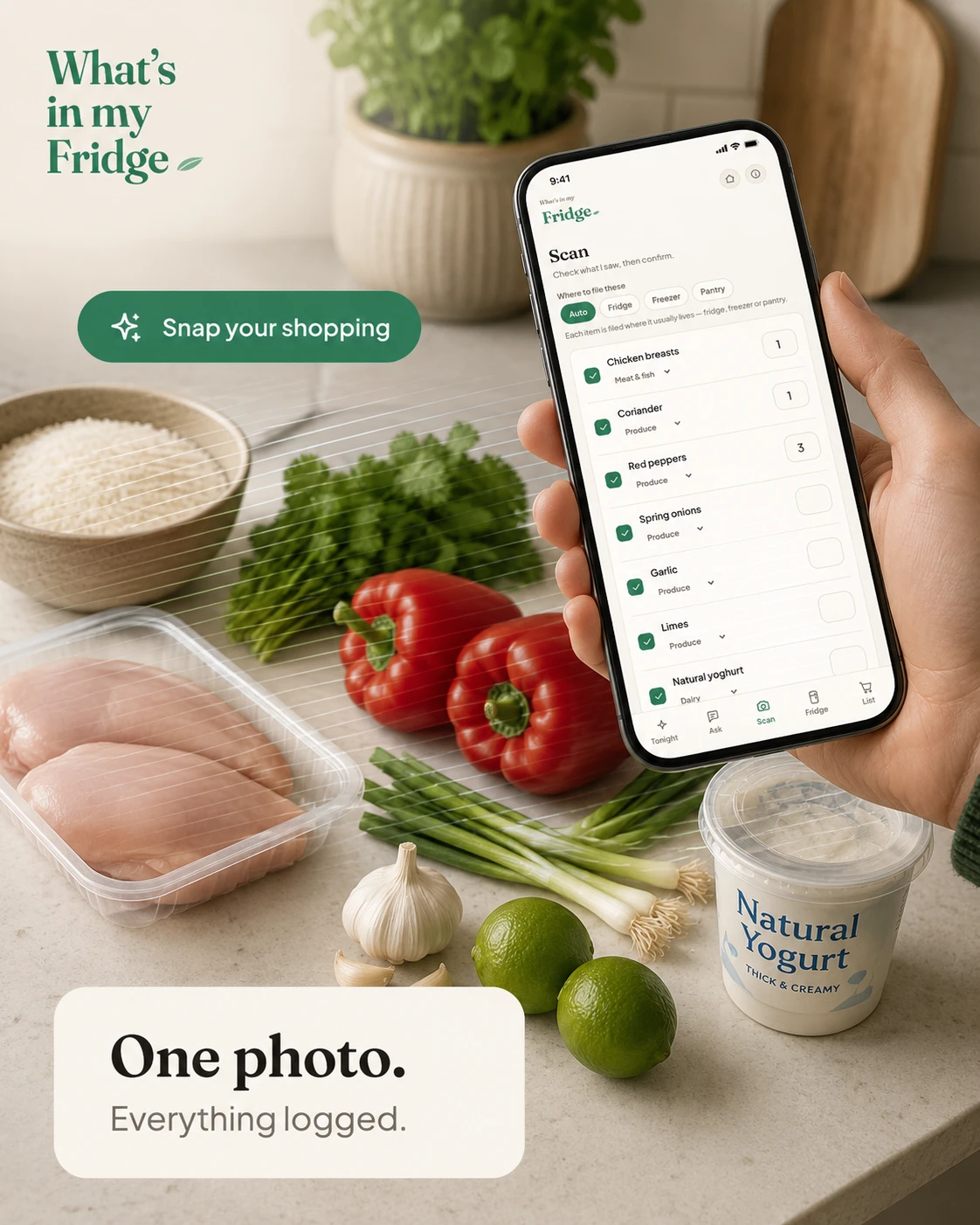
Snap your shopping (or the open fridge) and the app reads each item, sorts it into the right category, and files it where it actually lives — fridge, freezer or pantry — automatically. You just glance and confirm.
It even reads a supermarket receipt, so a whole shop is logged in seconds rather than typed line by line.
Why a kept inventory changes everything
Once the app knows what you have, the rest falls into place: dinner ideas come from your actual ingredients, nothing hides at the back going off, and your shopping list stops double-buying. The fuller the picture, the smarter every other feature gets — so log the cupboard staples and spices too.
Tracking your fridge: frequently asked questions
How do I track what is in my fridge?
Log items as they come in and keep the list updated as you use them. The fastest way is to photograph your shopping or a receipt so everything is added at once, rather than typing each item by hand.
Is there an app to log your fridge without typing?
Yes. What's in my Fridge reads a photo of your shopping and files each item into fridge, freezer or pantry automatically, so a whole shop is logged in seconds.
How do I keep a fridge inventory?
Log what you buy, remove what you use, and let freshness sort itself. A kept inventory means dinner ideas come from your real ingredients and nothing hides at the back going off.
Try it free
Snap your fridge and get tonight’s dinner in seconds. Free to start — no card needed.
Open the appRelated: Dinner from a photo and Stop forgetting food at the back.
← Back to the blog